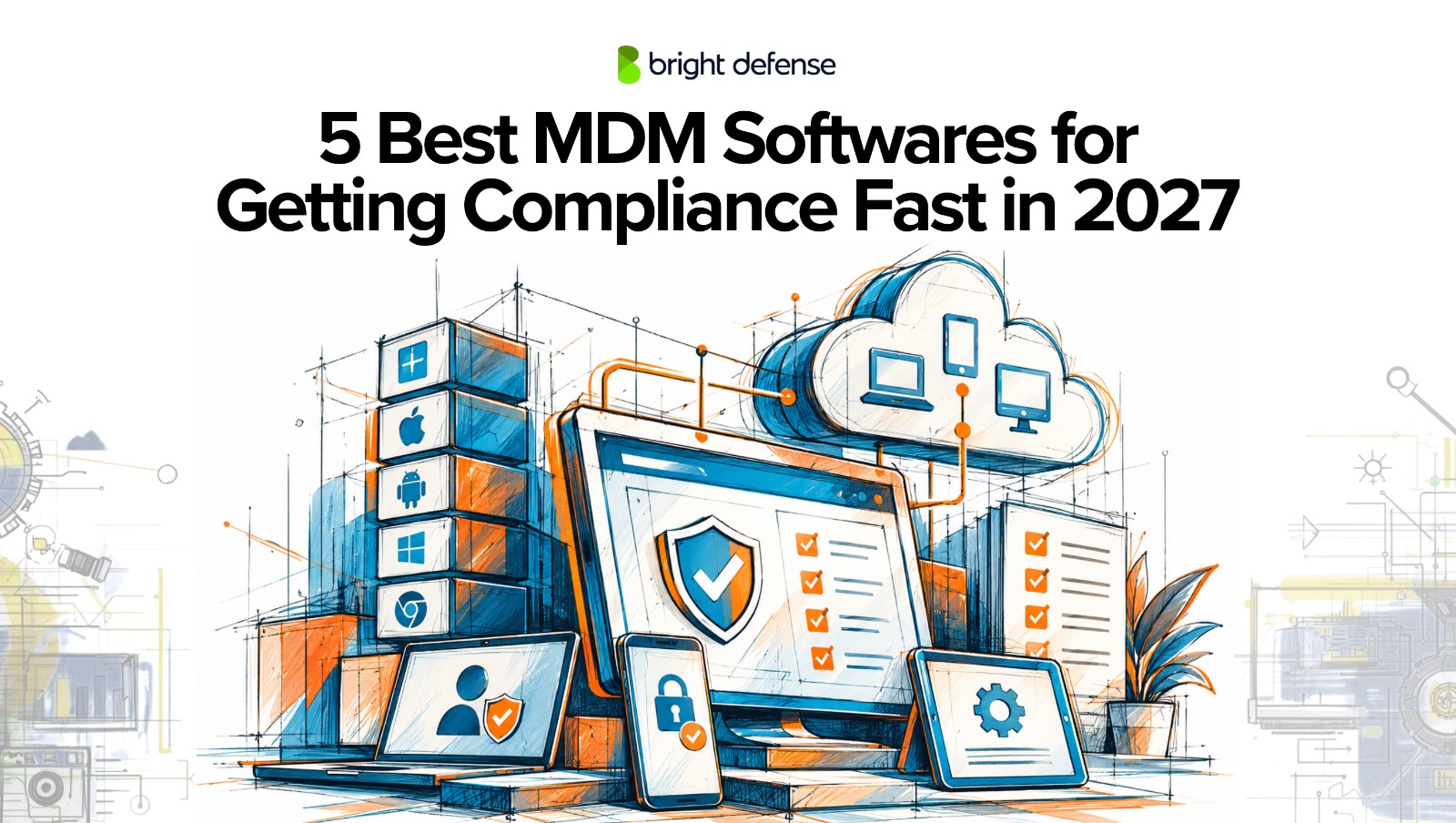
5 Best MDM Softwares for Getting Compliance Fast in 2027
Updated:
October 17, 2026
Every major security framework eventually asks the same question about your laptops and phones: can you prove they are encrypted, patched, locked, and owned by people who still work for you? SOC 2, ISO 27001, HIPAA, and NIST all expect device-level controls, and auditors want evidence that those controls held up across the whole observation period.
That is where mobile device management (MDM) software earns its place. A compliance automation platform tracks your controls and organizes evidence, but it cannot turn on FileVault, escrow a BitLocker key, or force an overdue OS update. The MDM is the layer that enforces those settings and reports back when a device drifts out of policy.
This guide reviews the 5 best MDM platforms for getting and staying compliant in 2027, focusing on how each one enforces device controls and produces audit evidence.
Let’s dive right in!
Note: This Is Not a Ranked List. The Placement Numbers Do Not Imply That One Platform Is Better Than Another. This is a very opinionated topic.
Quick Comparison
| MDM Platform | Best For | Headquarters | Operating Systems |
| 1. Swif.ai | Compliance-first management for mixed fleets | Sunnyvale, California | macOS, Windows, Linux, iOS, Android, ChromeOS+ GoogleBooks |
| 2. Microsoft Intune | Microsoft 365 organizations | Redmond, Washington | Windows, macOS, iOS, Android, Linux |
| 3. Jamf Pro | Apple-only enterprises | Minneapolis, Minnesota | Apple platforms |
| 4. Iru (Formerly Kandji) | Apple-first teams adding EDR and identity | San Diego, California | macOS, iOS, Windows, Android |
| 5. JumpCloud | Combined directory, SSO, and MDM | Louisville, Colorado | Windows, macOS, Linux, iOS, Android |
1. Swif.ai
Swif.ai is a compliance-first device management platform that combines MDM, unified endpoint management, and Shadow IT visibility in one console. It manages macOS, Windows, Linux, iOS, Android, and ChromeOS with GoogleBooks coming soon from a single policy pane of glass, so teams do not need a separate tool for each operating system.
Linux is where Swif.ai stands apart. Intune only evaluates Linux compliance and leaves users to fix issues themselves, and JumpCloud enforces a few Linux policies but only checks disk encryption. Swif.ai supports Ubuntu, Debian, Fedora, RHEL, and 10 other Linux OS’s natively and applies the same framework-mapped controls to Linux that it applies to Mac and Windows, making it the strongest option here for taking a Linux fleet to audit-ready compliance.
The setup flow is also built for companies that need compliance fast. Swif.ai’s compliance configurator walks teams through applying SOC 2 and ISO 27001 device controls, and the company says it takes about 5 minutes to get a fleet compliance-ready.
Framework mapping is built into the product rather than layered on afterward. Teams deploy pre-built SOC 2, ISO 27001, and HIPAA device controls, monitor posture continuously, and push evidence straight into Vanta, Drata, Thoropass, Sprinto, and Secureframe. You can see how the Swif.ai’s UEM solution handles cross-OS policy enforcement and automatic compliance evidence in one place.
Best For: Startups, SaaS companies, and regulated mid-market teams running mixed fleets that want device controls mapped directly to SOC 2, ISO 27001, and HIPAA.
Key Compliance Features
- Compliance Configurator: A guided setup flow that gets devices ready for SOC 2 and ISO 27001 in about 5 minutes with EU data residence available.
- Linux Compliance: The same framework-mapped controls on Linux as on Mac and Windows.
- Compliance Benchmarks: Bulk-deploy policies aligned to CIS, NIST, SOC 2, ISO 27001, and HIPAA.
- Audit Platform Sync: Device evidence flows automatically into major compliance platforms.
- Shadow IT and AI Discovery: Surfaces unsanctioned SaaS and generative AI tools on managed devices.
Pros and Cons
- Pros: Full compliance coverage on Linux, not just inventory; guided 5-minute setup for SOC 2 and ISO 27001; SOC 2 Type II attested vendor.
- Cons: Only in business for 6 years, which is a lot less than Microsoft or Jamf; a device enforcement layer, so most teams still pair it with a GRC platform.
Pricing
- 14-day free trial with no credit card, and free for organizations with up to 5 employees. Paid plans scale by device count.
2. Microsoft Intune
Microsoft Intune is the default choice for organizations already running Microsoft 365 and Entra ID. It manages Windows, macOS, iOS, Android, and select Linux distributions, with the deepest controls reserved for Windows.
Its compliance strength is the link to Entra ID Conditional Access. Devices that fail compliance policies for encryption, OS version, or password rules can be blocked from company apps until they are fixed. That model lines up well with SOC 2 logical access requirements, and our breakdown of the SOC 2 controls list shows where device evidence fits into the Common Criteria.
Best For: Organizations standardized on Microsoft 365 that want device compliance to drive access decisions.
Key Compliance Features
- Compliance Policies: Minimum requirements for encryption, OS version, and device health.
- Conditional Access: Non-compliant devices lose access until remediated.
- Security Baselines and Autopilot: Pre-built Windows hardening and zero-touch provisioning.
Pros and Cons
- Pros: Often already included in Microsoft licensing; strongest native Windows controls.
- Cons: Conditional Access usually needs Entra ID P1 or higher; on Linux it evaluates compliance but cannot push fixes.
Pricing
- Plan 1 costs $8 per user per month standalone and is included in Microsoft 365 E3, E5, and Business Premium. Plan 2 adds $4 per user per month.
3. Jamf Pro
Jamf Pro is the long-standing enterprise standard for managing Apple devices at work. In 2025, Jamf added native Compliance Benchmarks built on the open-source macOS Security Compliance Project, letting admins apply CIS Level 1 or Level 2 baselines in monitor-only or monitor-and-enforce mode.
Francisco Partners completed its roughly $2.2 billion take-private acquisition of Jamf in January 2026.
Best For: Enterprises with Apple-only or Apple-dominant fleets that need deep configuration control.
Key Compliance Features
- Compliance Benchmarks: Create, audit, and enforce CIS baselines directly in Jamf Pro.
- Automated Remediation: Pulls non-compliant devices back into line.
- Rule-Level Reporting: Per-device status for each benchmark rule.
Pros and Cons
- Pros: Deepest Apple management available; mature ecosystem and community.
- Cons: No Windows or Linux management; higher per-device cost than newer Apple MDMs.
Pricing
- Bundles start at $12.50 per Mac per month and $5.75 per mobile device per month, billed annually with a 25-device minimum.
4. Iru (Formerly Kandji)
Iru is the new name for Kandji, which rebranded in October 2025 and expanded beyond Apple into Windows and Android. Apple device management continues under the same team, now alongside endpoint detection and response, vulnerability management, workforce identity, and compliance automation.
Best For: Apple-first companies that want MDM, EDR, and identity from a single vendor.
Key Compliance Features
- Endpoint Management: One-click Apple security baselines and automated OS enforcement.
- EDR on the Same Agent: Threat detection without separate security software.
- Compliance Automation: Maps device state to framework requirements.
Pros and Cons
- Pros: Polished Apple experience; security and identity in one agent.
- Cons: No published pricing; Windows and Android support is newer; no Linux.
Pricing
- Quote-based pricing. A 14-day free trial is available.
5. JumpCloud
JumpCloud bundles cloud directory, SSO, MFA, and device management for Windows, macOS, Linux, iOS, and Android under one license. Because identity and device state live in the same system, offboarding and access reviews are easier to evidence.
Best For: SMBs that want identity and cross-platform MDM in a single license.
Key Compliance Features
- Device Compliance Policies: Enforce encryption, screen lock, and OS settings.
- Patch Management: OS updates for Windows, macOS, and Linux.
- Conditional Access: Access decisions based on device trust and identity.
Pros and Cons
- Pros: Identity and devices in one platform; native Linux support; free tier for tiny teams.
- Cons: Linux disk encryption is checked, not enforced; costs climb as identity features are added.
Pricing
- Device Management costs $9 per user per month billed annually. A free plan covers up to 10 users and 10 devices.
How To Choose The Best MDM For Compliance
- Start With Scope: List your frameworks and in-scope device controls, such as encryption, screen lock, and OS updates.
- Match Your Operating Systems: Running two MDMs splits your policies and your audit evidence.
- Check Enforcement: Prefer tools that fix drift automatically, not just report it.
- Confirm Integrations: Make sure device evidence syncs natively with your compliance platform.
Final Verdict
Apple-only enterprises will find the deepest controls in Jamf Pro, Microsoft 365 shops get the most from Intune, and JumpCloud suits teams that want identity and devices together. For mixed fleets, especially those with Linux endpoints, that need framework-mapped controls and evidence flowing straight into a compliance platform, Swif.ai offers the most compliance-first approach on this list.
FAQ
1. Do I need an MDM to pass a SOC 2 audit?
SOC 2 does not require a specific tool, but auditors expect proof that endpoints are encrypted, patched, and controlled. An MDM is the most practical way to provide it.
2. Can my compliance automation platform replace an MDM?
No. Platforms like Vanta and Drata track controls and evidence, but the MDM is what actually enforces settings on devices.
3. How long does it take to roll out an MDM before an audit?
Cloud MDMs with zero-touch enrollment can reach full visibility within a day, but leave time to tune policies and fix gaps before the observation period begins.