SOC 2 Policies And Procedures

Updated:
October 18, 2026
SOC 2 policies explain how your organization protects information and who is responsible for that work. Procedures turn those expectations into steps employees can follow and managers can verify.
88% of the 75 completed examinations in Lazarus Alliance’s 2026 benchmark required additional SOC 2 audit evidence after the initial submission. These requests can include routine clarification. Teams need a reliable way to retrieve records and explain how their controls operated during the period under review.
Useful policies give each security requirement an owner and a working process. Records of completed work then help auditors check whether employees followed that process.
What Is A SOC 2 Policy?
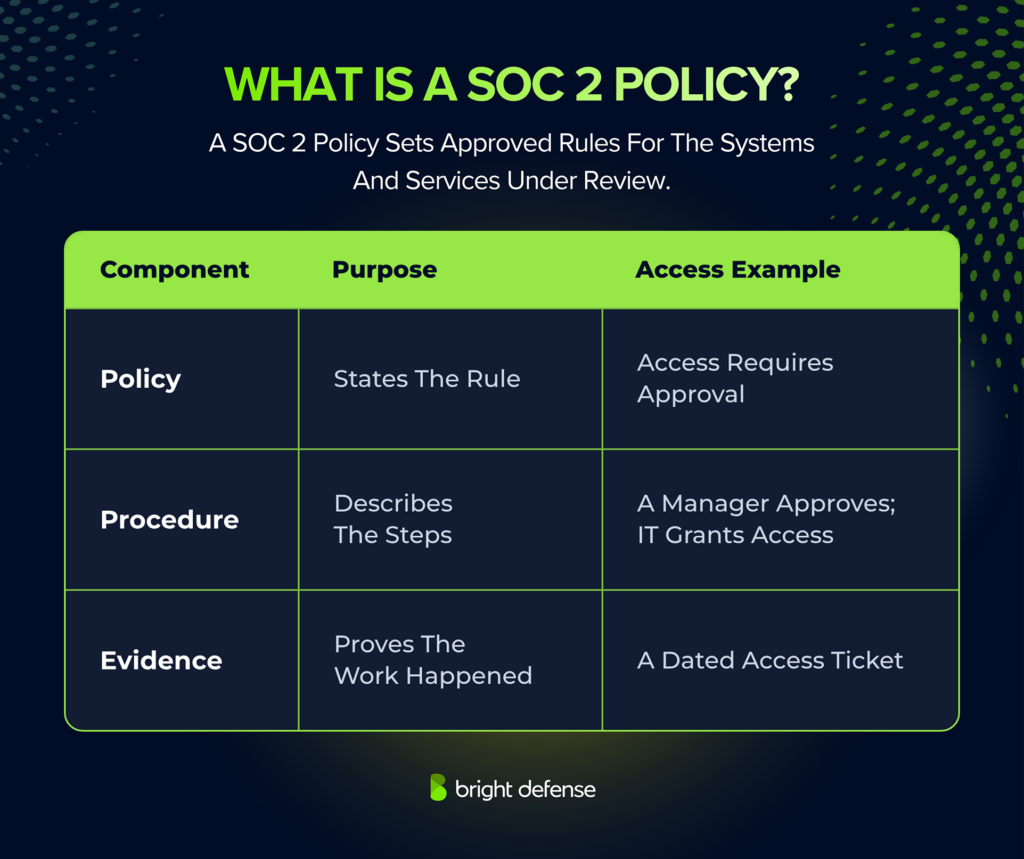
A SOC 2 policy is a management-approved document that sets security expectations for the services being examined. It explains who follows the rules and which systems they cover. A named owner keeps the policy current as the organization changes.
Policies support the applicable SOC 2 Trust Services Criteria. Criterion CC5.3 connects written expectations with the procedures that put them into practice. Its points of focus help organizations assign responsibility and check that work happens on time. They cover corrective action and regular reassessment, too.
The distinction between policies, procedures, and evidence becomes clear in an access request:
Give each policy an owner and approver. Record its effective date and version, then specify when it needs review. Employees need access to the current policy and instructions that fit their responsibilities. Keep earlier versions to show which rules applied during a past audit period.
A Type 1 examination assesses control design at a specified date. A Type 2 examination assesses design and operating effectiveness over a period. In either case, the policy needs to reflect the controls within the described system.
Which Policies Do You Need For SOC 2?
SOC 2 does not prescribe a fixed list of separately titled documents. Related topics can share a policy when ownership and review arrangements make that practical.
Privacy and Processing Integrity can require additional policies. Privacy coverage can explain how personal information is collected and how individual requests are handled. Processing Integrity coverage can address input validation and processing accuracy.
The 18 policy areas below explain how to manage security and carry out the work auditors evaluate. The suggested schedules are examples to help you write your own requirements. Check that your team can meet them and that they address your risks. Customer contracts may require different commitments. The workplace examples are illustrative scenarios, not accounts of named companies.
1. Information Security Policy
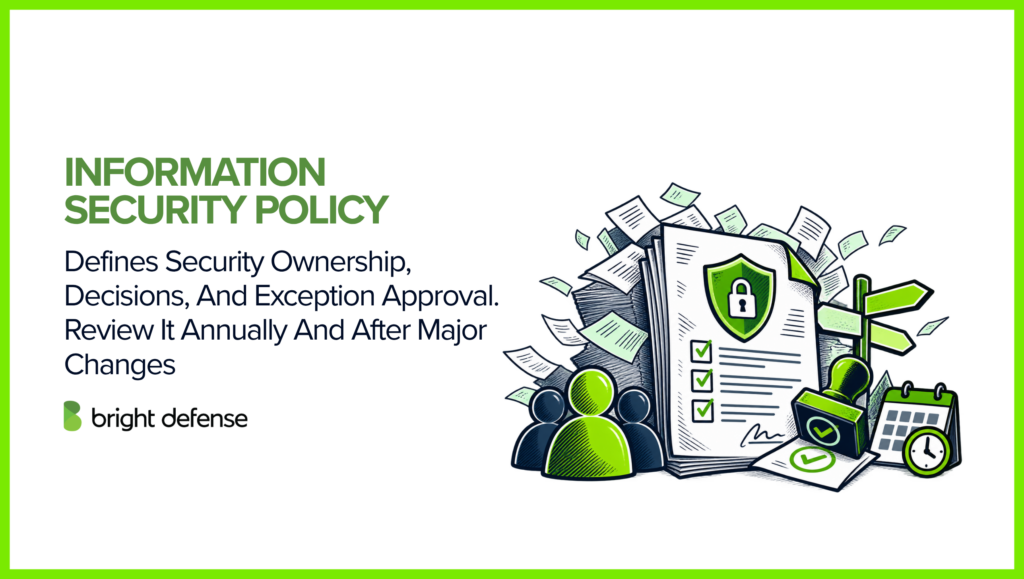
The information security policy sets the direction for the security program. It explains who makes security decisions and who is responsible for maintaining controls.
Use it to explain how supporting policies receive approval and how exceptions are escalated. A practical starting point is an annual review, with earlier updates after material changes to the business or service. Preserve approval history even when the review produces no changes.
Example: A software company names its CTO as the security program owner. When a team requests an exception to a security rule, the CTO reviews the risk and records the decision. The team receives a deadline for resolving the exception.
2. Risk Assessment And Treatment Policy
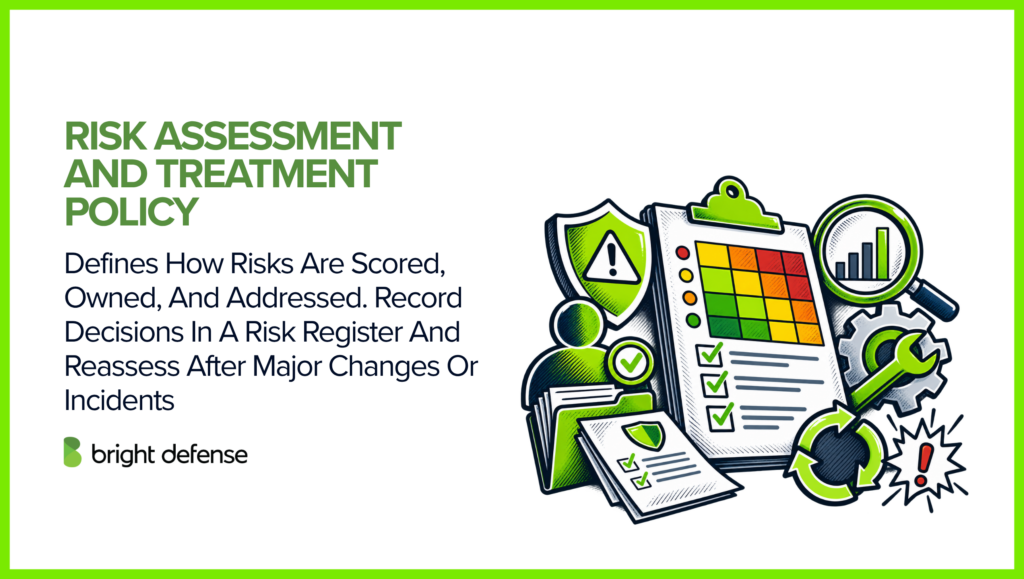
A risk assessment and treatment policy explains how the organization evaluates threats and decides what action to take. Use a consistent method to score likelihood and potential impact. Each risk needs an owner. The policy names who can accept the risk that remains after protective measures are in place.
The risk register holds the assessment results for each affected service. It records the risk score and treatment decision, with an owner and due date for any work required. A new product or major infrastructure change can trigger reassessment between scheduled reviews. A security incident can prompt an earlier review, too.
Example: A payroll provider finds that only one employee knows how to restore its customer database. It records the risk of that employee being unavailable during an outage. The engineering manager trains a second employee and schedules a recovery exercise.
3. Acceptable Use Policy
An acceptable use policy sets boundaries for how employees and contractors use company technology. It explains which personal uses are permitted and which activities are prohibited. Rules can address credential sharing and installing unapproved software.
Make the rules for using company data in personal accounts and AI tools clear. For example, confidential customer information may be restricted to approved services. Those services need a review of their security protections and contract terms. Explain these rules during onboarding and whenever permitted uses change.
Example: A support employee wants to paste a customer’s troubleshooting logs into a public AI tool. The acceptable use policy prohibits uploading customer data to unapproved services. The employee uses the company’s approved troubleshooting tool instead.
4. Asset Management Policy
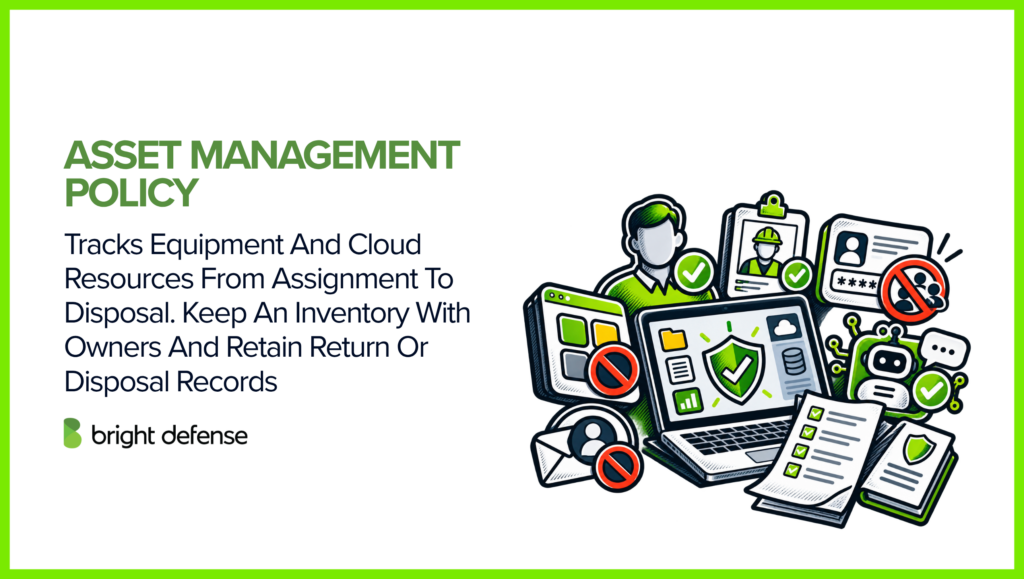
Asset management tracks company equipment and technology throughout their use. Each asset needs an accountable owner and an inventory record. That record helps teams maintain the asset and protect the information it holds.
Cloud resources need explicit coverage because staff can create them without buying physical equipment. Compare the inventory with cloud accounts and endpoint management records to find resources that are missing. For equipment leaving service, retain return or disposal records.
Example: A new engineer receives a company laptop. IT records its serial number and assigned owner in the inventory. When the engineer leaves, IT records the return and wipes the laptop before assigning it to someone else.
5. Access Control Policy
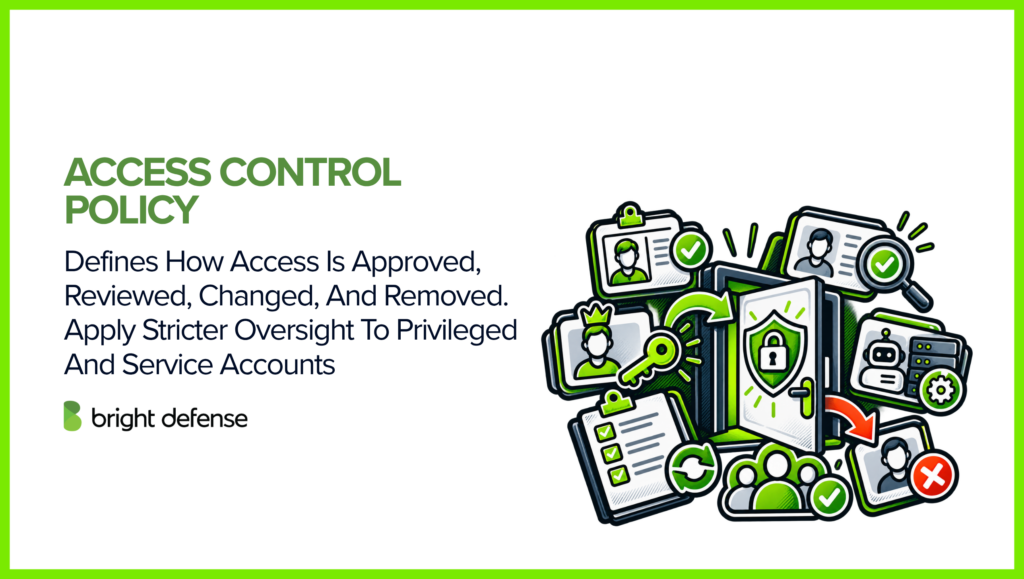
The access control policy explains who can approve accounts and change permissions. It defines when access must be removed. Include rules for privileged accounts and accounts used by services. Make the responsibilities of account owners and the teams handling access clear.
An example schedule is quarterly for user access reviews and monthly for privileged access. The reviewer checks whether each person still needs access and whether their permissions are excessive. Record the decisions and track any corrections. Act on role changes and departures when they occur.
Example: An employee moves from customer support to sales. IT removes access to the support administration console and grants the sales permissions approved by the new manager. The access ticket records both changes.
6. Password And Authentication Policy
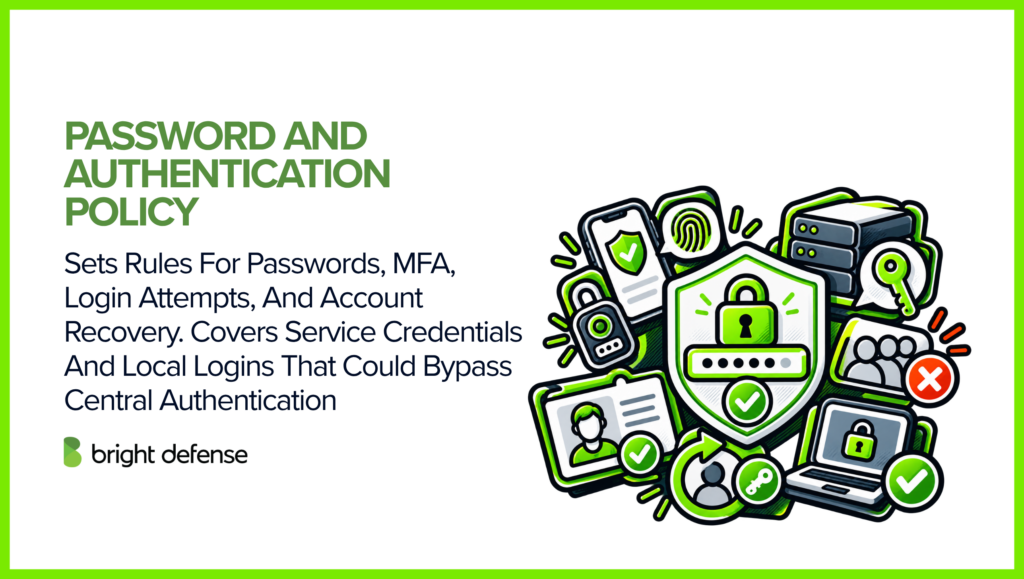
A password and authentication policy sets the rules for verifying users and protecting credentials. Describe the password settings and where multi-factor authentication (MFA) is required. Explain how users recover access and how systems limit failed login attempts. Accounts used by applications or automated processes need rules for handling their credentials, too.
For user passwords, NIST SP 800-63B-4 prohibits routine expiration and requires a password change when there is evidence of compromise. This provides a technical reference for policy design; your SOC 2 controls still need to reflect the system and its risks.
Check recovery routes and application-specific logins when defining enforcement. An application that accepts weaker local credentials can undermine centralized authentication. This policy can sit within access control when a separate document adds little operational value.
Example: A software company requires security keys for administrator sign-ins. IT configures the identity provider to enforce this rule and checks that local logins cannot bypass it. New administrators complete enrollment before receiving access.
7. Data Classification, Handling, And Retention Policy
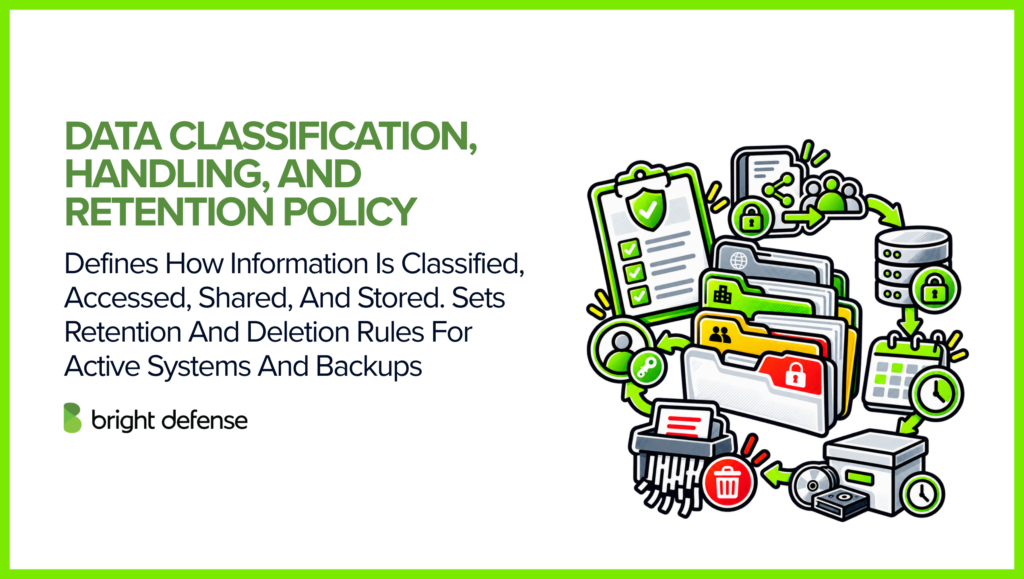
Data classification groups information according to how much protection it needs. For example, public information can be shared openly, while confidential information needs restricted access. Use categories and examples that employees recognize.
Explain where each category of information can be stored and who can access it. Add rules for sharing it safely. A retention schedule states how long each record type is kept and who approves deletion. Account for any legal hold or contractual requirement that delays disposal.
Explain what happens to backup copies after deletion from active systems. A workable process accounts for backup expiry and prevents a later restoration from silently reintroducing data scheduled for removal.
Example: A recruitment company classifies candidate resumes as confidential. Only authorized hiring staff can open them. When the retention period ends, the designated owner checks for any reason to retain the records before approving deletion.
8. Encryption And Key Management Policy
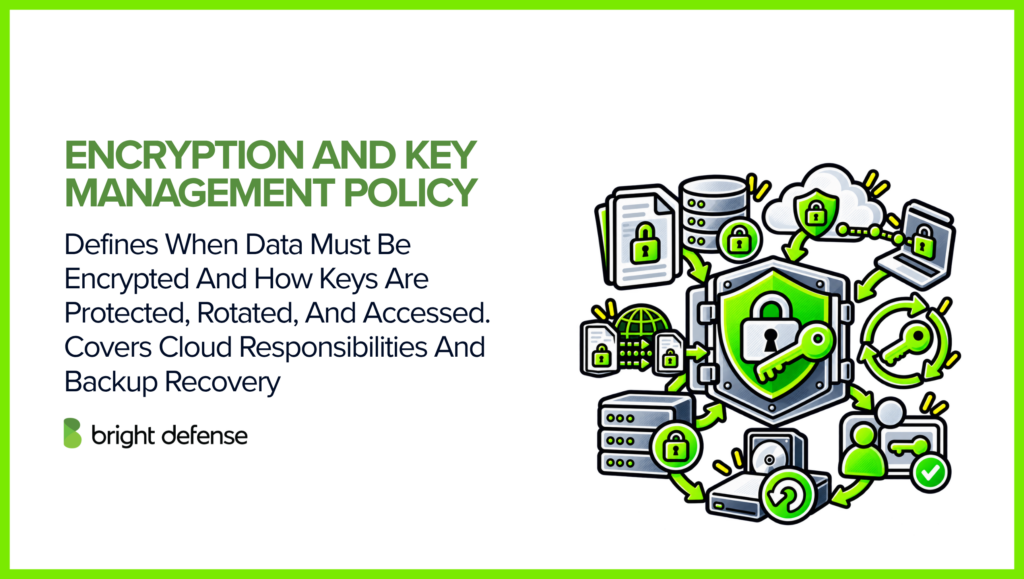
An encryption policy specifies which information must be encrypted during transfer and storage. It names the technical standards the organization permits. Key management rules explain how cryptographic keys are created and protected. They need a process for replacing keys and withdrawing access when authorization ends.
Clarify which encryption tasks belong to your cloud provider and which remain with your team. Your team may still control key access and deletion. Test whether encrypted backups can be opened during an outage. This checks whether key management supports the recovery process.
Example: A software provider encrypts customer database backups with a cloud key management service. Only its recovery role can use the decryption key. During a recovery exercise, the team confirms that authorized responders can open the backup.
9. Logging And Monitoring Policy
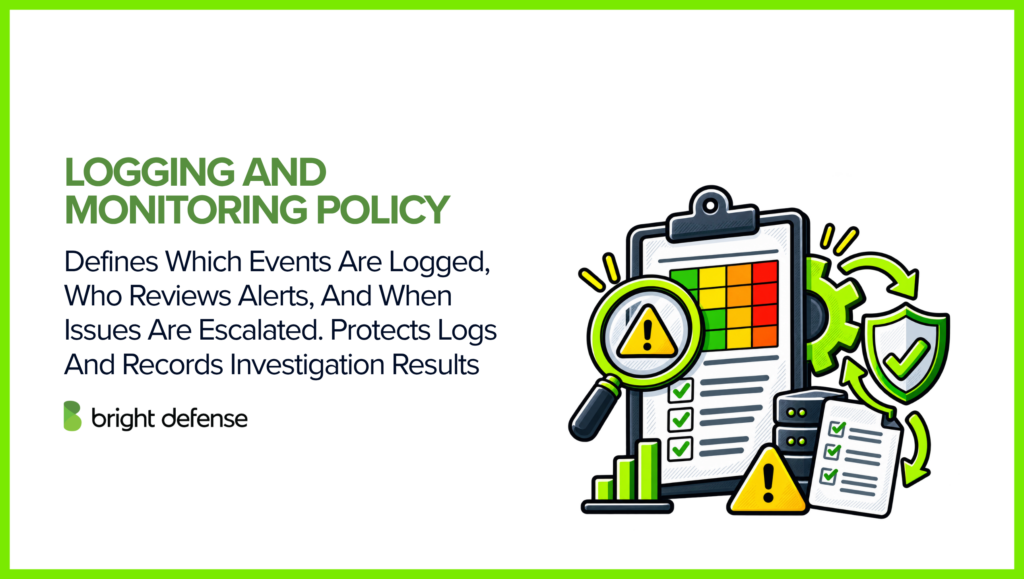
Logging rules determine which events systems record. Monitoring rules explain how the team checks those records for suspicious activity. Prioritize events that help you trace user access and administrative actions. Production changes and security alerts may need separate coverage.
Name the team that reviews alerts and specify its response targets. Explain when an issue needs escalation. Protect logs against unauthorized changes and choose retention periods that support investigations. Keep a record of each investigation and any follow-up action.
Example: A monitoring alert shows a support account attempting to grant itself administrator access. The on-call analyst checks the activity and contacts the account owner. The investigation ticket records what happened and whether further action was needed.
10. Vulnerability And Patch Management Policy
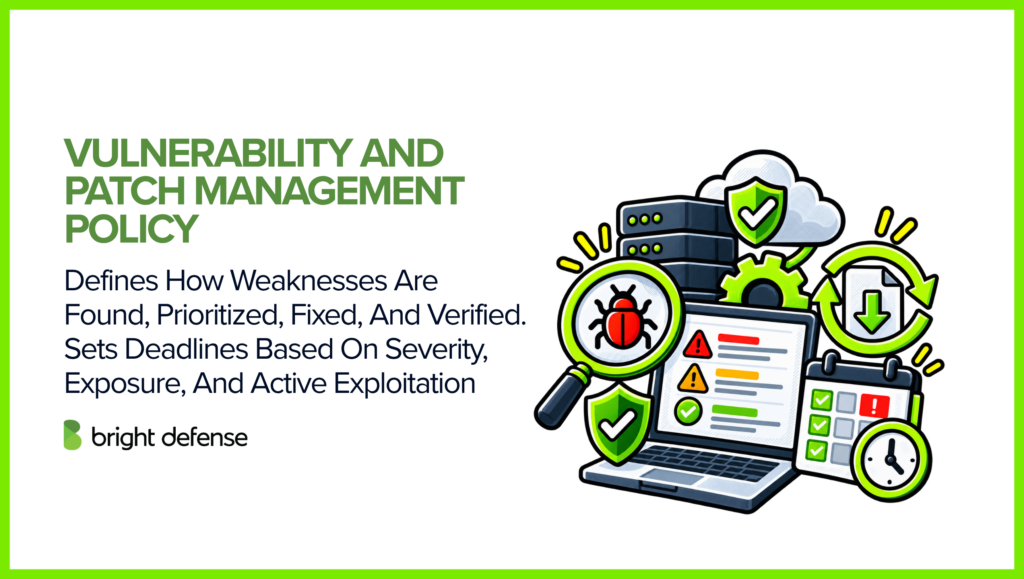
Vulnerability management explains how the team finds security weaknesses and decides which to fix first. Patch management governs the updates used to correct them. Specify which systems are covered and how fixes are verified.
Use severity and exposure to help choose remediation deadlines. A weakness in an internet-facing service may need faster action than the same issue in an isolated system. Evidence of active exploitation can make the work urgent. Give the team an escalation route for accelerated fixes or temporary protection.
An exception needs a reason and an approver. Record any temporary protection and an expiry date for the exception. Before closing a remediation ticket, retest the system or check its configuration to confirm the weakness was addressed.
Example: A scan finds a critical vulnerability on a customer-facing server. The infrastructure team tests the available patch and deploys it through the urgent change process. A follow-up scan confirms the weakness is resolved before the ticket closes.
11. Change Management Policy
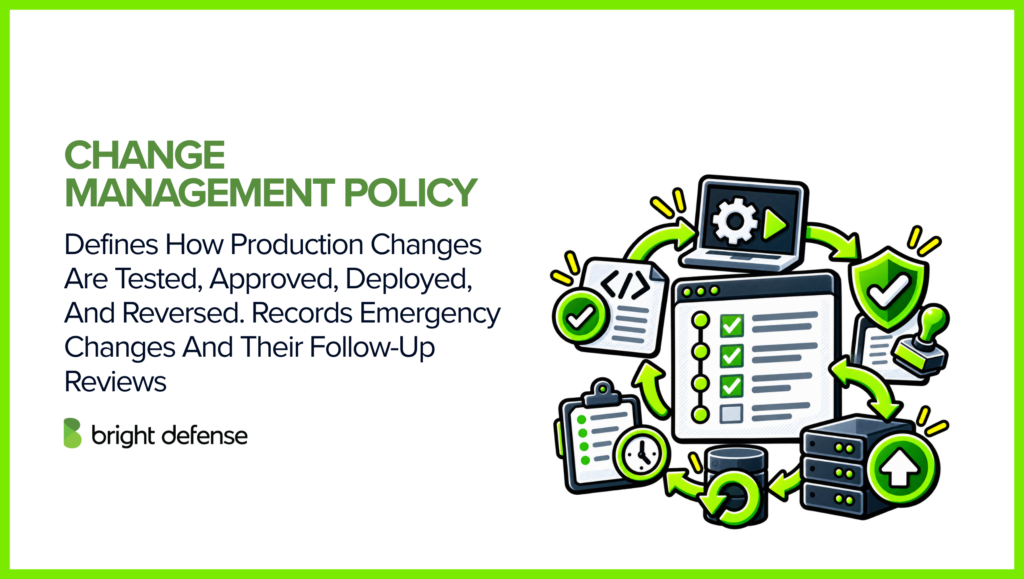
Change management governs updates to production systems and software. The workflow explains how proposed changes are tested and approved. Name who can deploy them and how the team can roll back a failed change.
Emergency changes need a faster approval route and a review afterward. Retain what changed and why it was urgent. Record who authorized the work and how the result was checked. These records let the auditor trace emergency work through the same basic checks as routine changes.
Example: An engineer proposes a change to the production database. A second engineer reviews the test results and rollback plan before approving deployment. After the change, the team checks that customer transactions still work and records the result.
12. Secure Software Development Policy
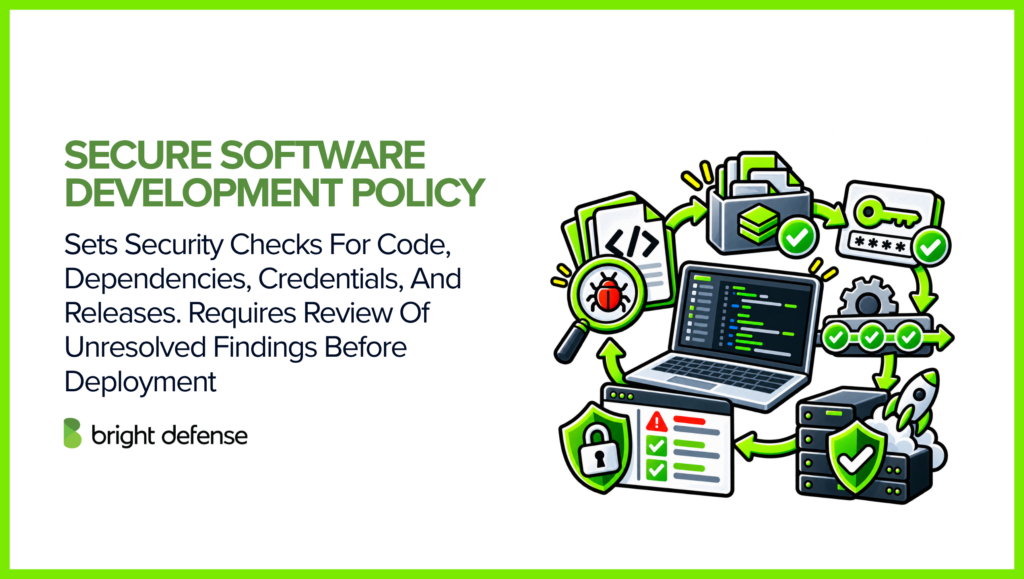
A secure development policy explains how security fits into building and releasing software. It applies when the organization develops or significantly modifies software used to deliver the service.
Describe when code review and dependency checks take place. Explain how developers protect credentials and keep development separate from production. Before release, unresolved security findings need a clear decision from an authorized person. Coordinate this policy with change management so engineers follow one approval path.
Example: A developer adds a file-upload feature to a customer portal. Code review checks that users cannot open another customer’s files. A security test catches a missing permission check, which the developer fixes before release.
13. Incident Response Policy
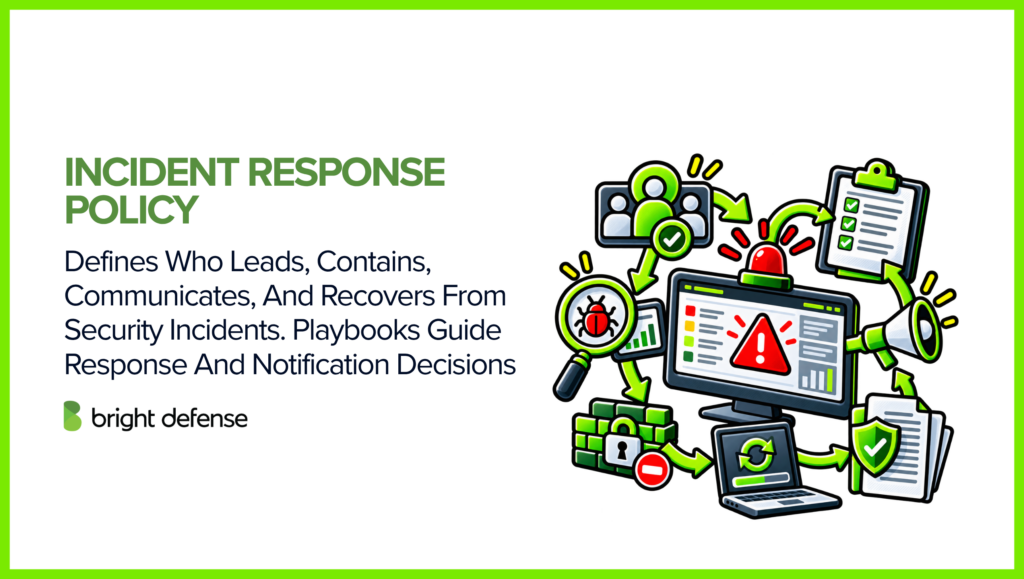
The incident response policy explains who assesses security events and who directs the response to an incident. Name who can activate the response process and approve containment. Make responsibility for external communications and recovery decisions clear.
Detailed playbooks give responders instructions for situations such as credential theft or ransomware. Include the contacts they need to reach. Notification decisions must account for contracts and applicable obligations. Exercises can test whether responders can reach decision-makers and preserve evidence when normal systems are unavailable.
Example: An employee enters a password into a phishing page and alerts IT. The response lead directs IT to disable the account and revoke active sessions. The team reviews account activity to determine what was accessed and whether customer notification is needed.
14. Backup Policy
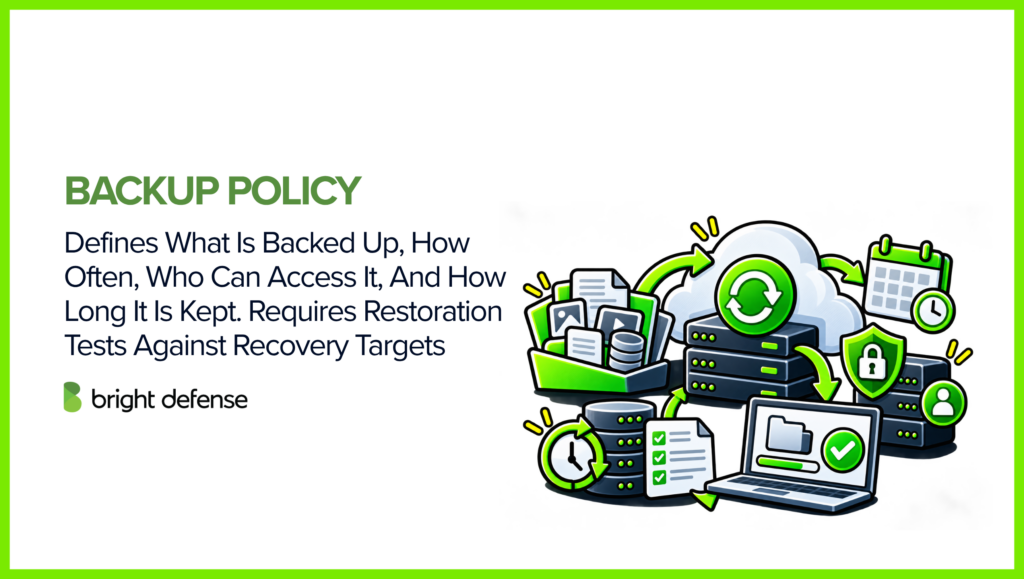
A backup policy specifies which data and systems are backed up, and how often. It explains how long backups are kept and who can access them. The schedule needs to support the recovery point objective: the amount of data loss the service can tolerate, measured in time.
Quarterly restoration tests of selected critical backups provide one practical starting point. Record what was restored and how long it took. Note any problems and track the corrective work. Adjust the test frequency to service needs, with extra testing after significant changes. A restoration test helps confirm whether the backup can meet the recovery objective.
Example: A payroll company backs up its database every hour to support its one-hour data loss target. During a scheduled test, an engineer restores a recent backup into an isolated environment. The team checks the recovered records and notes how long restoration took.
15. Business Continuity And Disaster Recovery Policies
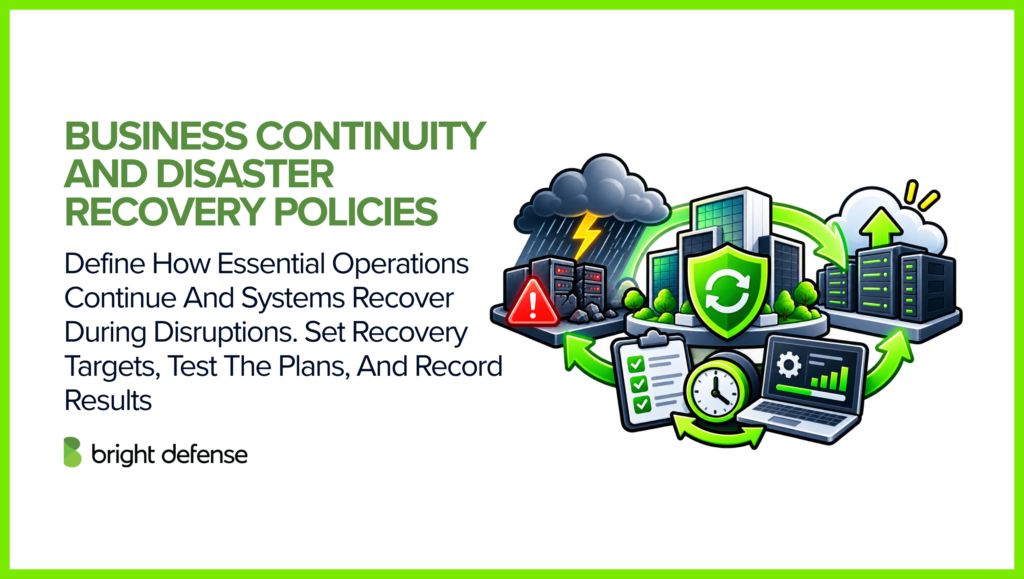
Business continuity covers how essential operations continue during disruption. Disaster recovery addresses restoration of technology, systems, and data.
List the services that need to recover first and the resources they depend on. Describe alternate working arrangements and who can approve them. A recovery time objective states how quickly a service needs to return. A recovery point objective states how much recent data the business can afford to lose.
Exercises test those targets under realistic conditions, such as unavailable staff or a failed provider. Record the recovery times achieved and any obstacles. Use those results to improve the plans. Review customer commitments when testing reveals that an existing target cannot be met.
Example: A cloud outage makes a software company’s main application unavailable. The continuity plan directs support staff to use a separate status page for customer updates. The recovery team follows its tested process to restore the application in a secondary region.
16. Vendor Management Policy
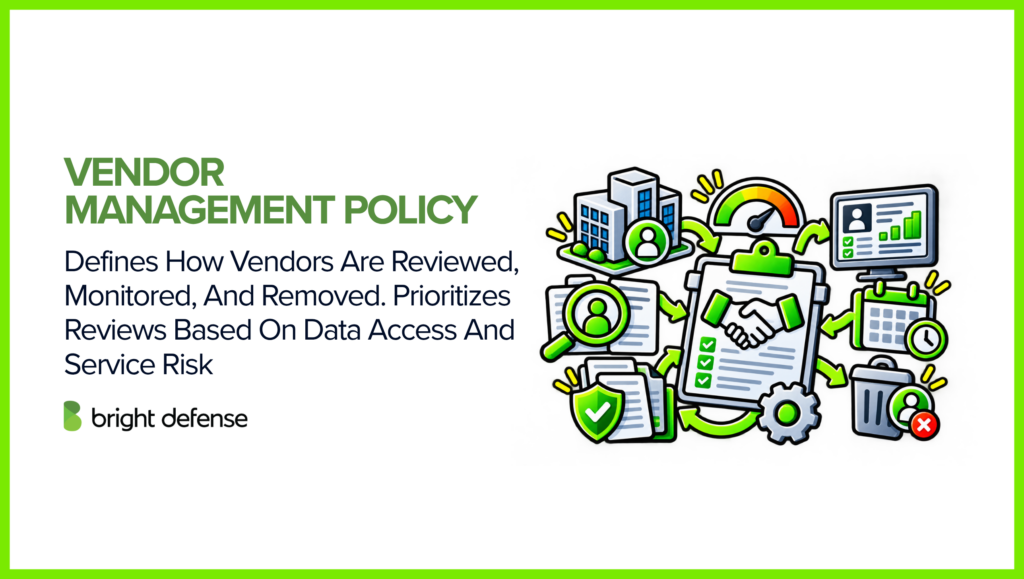
Vendor management explains how suppliers are reviewed before engagement and monitored afterward. It covers removing access when the relationship ends. Group vendors by risk, based on the information they handle and how much your service depends on them.
An annual reassessment of high-risk vendors is one example baseline. A significant incident or service change can trigger an earlier review. Examine the vendor’s assurance reports and unresolved findings. Check contract commitments where they affect the decision. Record who accepts the remaining risk and who handles follow-up work.
Example: A company evaluates a new support platform that will store customer tickets. Its security lead reviews the provider’s SOC 2 report and finds that the proposed service is outside the report’s scope. The company requests assurance covering that service before approving the purchase.
17. Physical, Endpoint, And Remote Work Security Policies
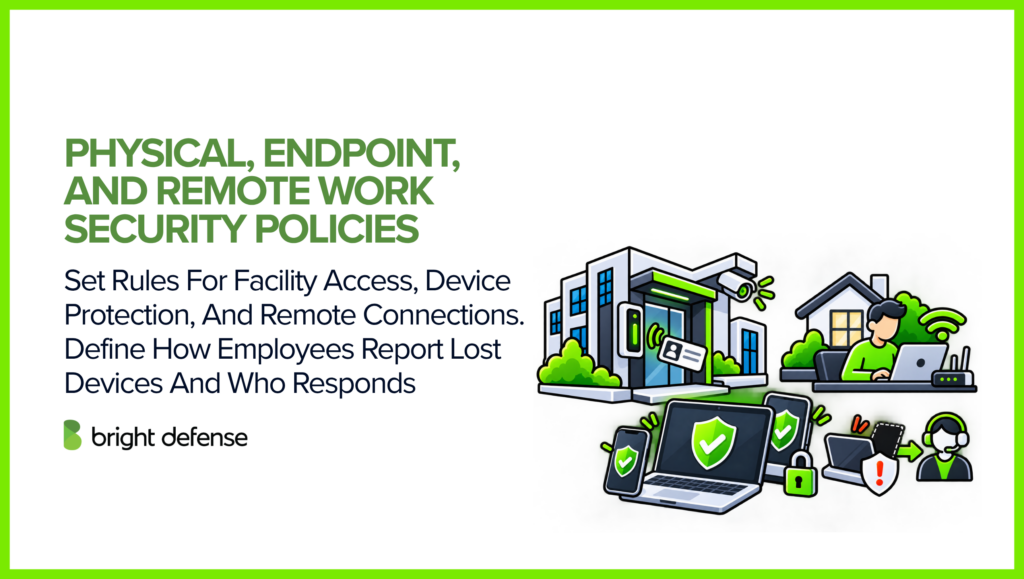
These policies protect the places and equipment employees use to access company information. Office rules address visitors and restricted areas. Endpoint rules describe laptop protections and what to do when a device is lost. Remote work requirements explain which devices and connection methods employees can use.
Keep the responsibilities distinct even when the topics share a document. A cloud provider may secure its data center, while your organization remains responsible for employee laptops and office access. Check this division of responsibility during supplier review and onboarding.
Example: A remote employee leaves a company laptop on a train. The employee notifies IT using the lost-device procedure. IT confirms that disk encryption was enabled and blocks the device from company services. It queues a remote wipe for the next time the laptop connects.
18. Personnel Security And Security Awareness Policy
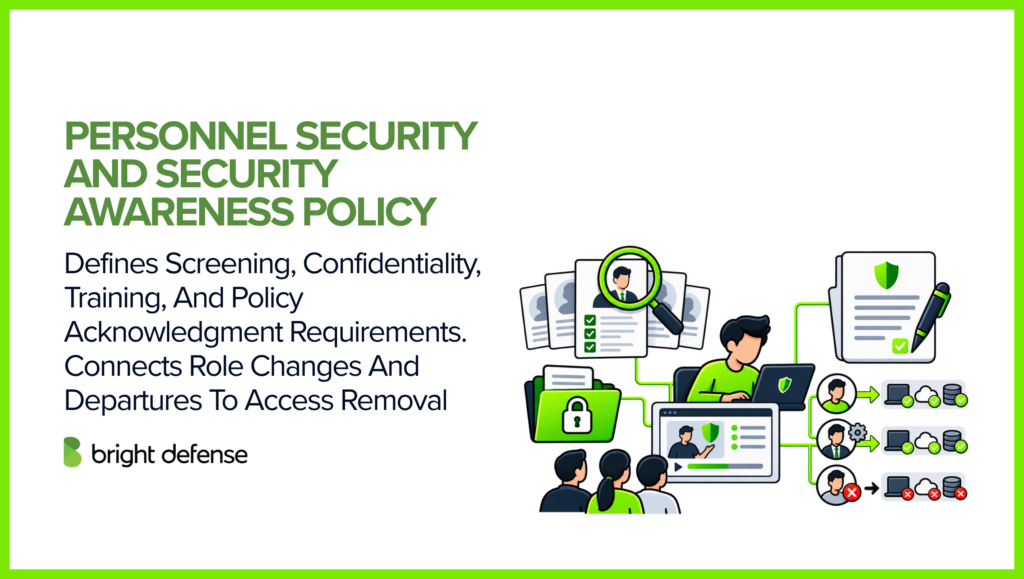
Personnel security defines employees’ security responsibilities throughout their time at the company. It addresses confidentiality commitments and screening appropriate to the role. Specify the required training and which policies employees need to acknowledge. Connect role changes and departures with the access control process.
Training needs to reflect actual tasks. Developers need guidance on secure development. Support teams need rules for verifying customers before changing account access. A code of conduct can reinforce integrity and reporting expectations. Completion records help managers follow up with anyone who misses required training.
Example: A new support employee completes training on customer verification before receiving account administration access. During a practice call, the trainer checks that the employee refuses a password reset without the required verification. The manager retains the training completion record.
How Do SOC 2 Policies Map To The Trust Services Criteria?
Policy mapping shows how written rules support the criteria an auditor evaluates. The table gives selected examples; it is not a required policy checklist or a complete mapping for every system. CC5.3 supports the use of policies and procedures across these areas.
| Policy Area | Selected Related Criteria | Example Evidence |
| Information security | CC2.2, CC5.3 | Approved policy and review history |
| Risk assessment | CC3.2, CC3.4 | Risk register and treatment decisions |
| Acceptable use | CC1.1, CC2.2 | Policy acknowledgments |
| Asset management | CC6.1, CC7.1 | Asset inventory and ownership records |
| Access control | CC6.1, CC6.2, CC6.3 | Approvals and completed access reviews |
| Authentication | CC6.1, CC6.6 | Identity-provider and MFA settings |
| Data handling and retention | CC6.5, CC6.7; C1.1, C1.2* | Retention schedule and deletion records |
| Encryption | CC6.1, CC6.7 | Encryption and key access settings |
| Logging and monitoring | CC7.2, CC7.3 | Alert investigations and review records |
| Vulnerability management | CC7.1, CC8.1 | Scan results and remediation tickets |
| Change management | CC8.1 | Change approvals and deployment records |
| Secure development | CC8.1 | Code reviews and security test results |
| Incident response | CC7.3, CC7.4, CC7.5 | Incident records and exercise results |
| Backup | CC7.5; A1.2, A1.3* | Backup logs and restoration tests |
| Continuity and recovery | CC9.1, CC7.5; A1.2, A1.3* | Recovery plans and test outcomes |
| Vendor management | CC9.2 | Vendor assessments and follow-up decisions |
| Physical, endpoint, remote security | CC6.1, CC6.4, CC6.6 | Device settings and physical access records |
| Personnel and awareness | CC1.1, CC1.4, CC2.2 | Training and onboarding records |
*C1 references apply when Confidentiality is included; A1 references apply when Availability is included. Privacy and Processing Integrity introduce further criteria when selected. Confirm the final mapping against your system description and implemented controls.
How Do You Put SOC 2 Policies Into Practice?
Putting policies into practice means giving employees workable instructions and keeping evidence of completed tasks.
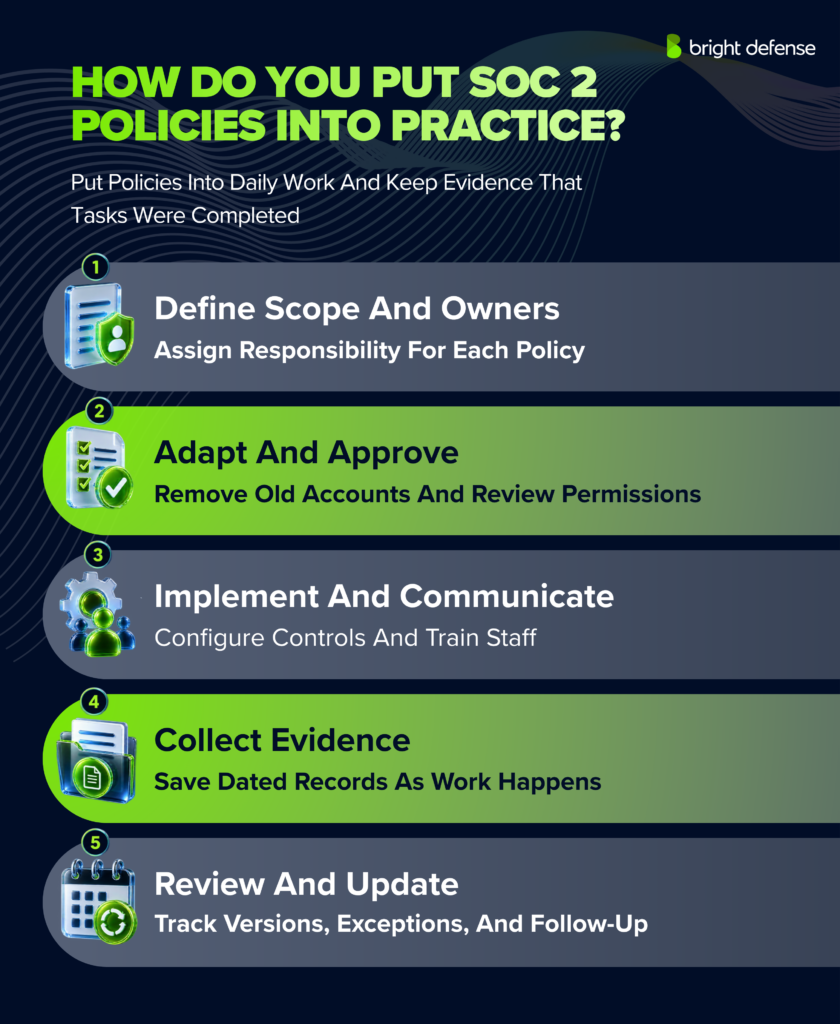
These five steps help make the policies part of daily operations.
1. Confirm Scope And Ownership
List the services and systems covered by the examination. Confirm which teams and providers support them. Use the SOC 2 requirements checklist to assess coverage and gaps. Name a policy owner and the people responsible for recurring tasks.
2. Adapt And Approve The Requirements
Replace template assumptions with the tools and roles your team uses. Check that the systems can enforce technical requirements and the team can meet stated deadlines. Resolve gaps or approve appropriate exceptions before management approves the policy.
3. Communicate And Implement
Make current policies available to the employees and contractors who need them. Explain changes and collect acknowledgments where required. Give people instructions for their tasks. Configure the required settings before relying on those controls during a Type 2 examination period.
4. Collect Evidence During Normal Work
Save approvals and completed reviews as work happens. Keep test results and corrective actions with the related records. Each record needs a date and the name of the responsible person. Compliance automation can help collect records from connected systems and remind owners about missing evidence.
5. Review Versions And Exceptions
Keep a version history so you can show which policy applied during each audit period. Record review decisions even when no revision is necessary. Give each approved exception an owner and an expiry date. Retain the reason for approval and the follow-up plan. Reassess overdue exceptions and decide what action is needed.
How Can Bright Defense Help With SOC 2 Policies?
Bright Defense helps organizations write policies that fit their systems and team. Our CISSP- and CISA-certified experts assess gaps and help develop workable security requirements. We guide implementation and remediation as your organization prepares for its examination.
Our team supports the work involved in putting policies into operation:
- Review existing policies and controls for gaps within the SOC 2 scope.
- Develop policies for areas such as access control and incident response.
- Guide implementation so employees can carry out the processes described in each policy.
- Use managed compliance automation to monitor progress and support ongoing compliance work.
- Provide vCISO guidance as systems, risks, and business requirements change.
Our monthly engagement provides ongoing support as your team prepares for its examination and maintains controls between audits. Explore our SOC 2 compliance services for help developing policies and putting them into practice.
Frequently Asked Questions About SOC 2 Policies
1. What Are The Most Common Policy Struggles For Startups?
Startups often lack time for policy work or a clear owner for it. Templates written for larger organizations can add unnecessary complexity. Security tasks may happen informally, leaving little evidence of completion. Prioritize policies for your service and give each one an owner. Make recordkeeping part of the work.
2. Do We Have To Review Every Policy Annually?
An annual review is a practical baseline. SOC 2 does not prescribe one annual reapproval rule for every policy; CC5.3’s points of focus include periodic reassessment. Follow the schedule your organization adopts and review affected policies sooner after material changes. Keep a record of the reviewer, date, and decision.
3. Can I Adapt SOC 2 Policies To A Small Team?
Yes. Match approval workflows to available roles while preserving the control’s purpose. A small development team can use a qualified second reviewer without maintaining a separate QA department. Make the reviewer’s responsibilities explicit and retain approval records. Where duties cannot be separated, assess the risk and define additional oversight.
4. Does My Legal Team Need To Review Our Policies?
SOC 2 does not require a lawyer to approve every security policy. Legal input is useful for employment and privacy provisions. Counsel can review contract obligations and notification rules, too. Operational owners confirm that the team can carry out the requirements.
5. Do I Need Every Policy Listed In A SOC 2 Checklist?
No. Policy coverage follows your services, risks, and applicable criteria. You can combine related topics when responsibilities remain clear. Record the reason when a topic does not apply, and confirm that all necessary controls remain covered. An implementation difficulty calls for remediation or an assessed alternative control.
6. How Long Do I Need To Retain Security Logs For SOC 2?
SOC 2 does not set a single retention period for every log type. Choose periods that support investigations and customer commitments. Check any applicable obligations before approving the schedule. Specify how long logs remain readily searchable and how archived records can be retrieved. Keep evidence of reviews and investigations from the examination period.
7. Can I Use A Template For My SOC 2 Policies?
Yes. A template provides a starting structure. Check that the roles and tools match your operations. Confirm that your team can perform the required tasks within the stated deadlines. Before removing an inapplicable provision, check how the underlying risk is addressed. Keep revisions under version control so employees receive one authoritative policy.
8. Who Owns And Approves Our SOC 2 Policies?
The owner needs the knowledge and authority to maintain the policy. Engineering may own secure development, IT may own access management, and HR may coordinate personnel requirements. Management approves the policy through the organization’s governance process. A consultant can help draft it, while management retains responsibility for the program.
9. How Do I Prove That Employees Follow Our Policies?
Keep records of required activities, such as access approvals and completed reviews. Training records and change tickets provide evidence for other controls. Acknowledgments show that employees received or accepted a policy. Operational records show whether they followed it. For Type 2, provide evidence from the examination period and keep any corrections with the original records.
10. What Happens When An Auditor Finds A Policy Gap?
The outcome depends on its significance. An outdated role name differs from an approval process that never operated. Correct the issue, retain the history, and discuss its effect with the auditor. Changing policy wording cannot demonstrate past control operation. A control exception does not automatically mean the auditor will issue a qualified opinion.
Sources
- AICPA: Trust Services Criteria With Revised Points Of Focus: Criteria references and policy governance. The mapping in this article is illustrative.
- NIST SP 800-63B-4: Digital Identity Guidelines: User password requirements and authentication guidance.
- Lazarus Alliance: 2026 SOC 2 Audit Benchmark Report: Evidence requests across 75 examinations conducted from January 2025 through June 2026.